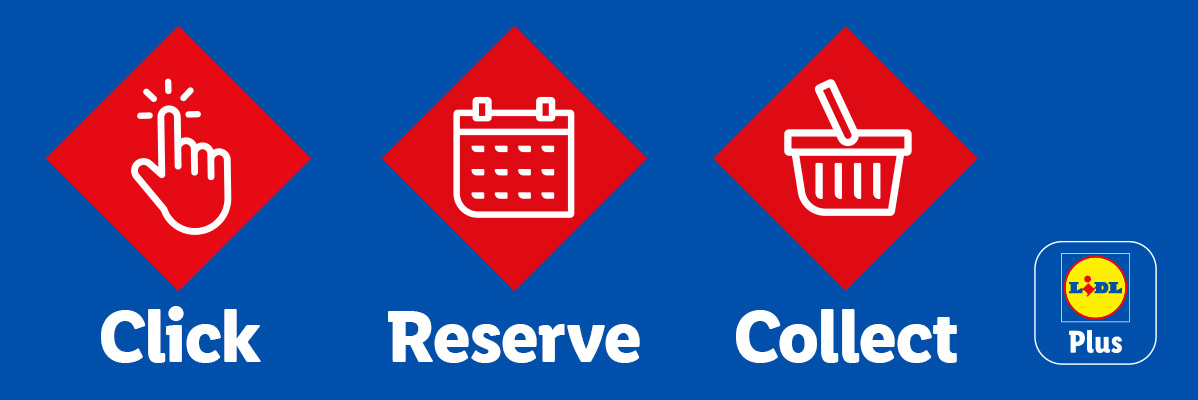
Click Reserve Collect, only with Lidl Plus
No more rushing to the store for first dibs on the ultimate Middle of Lidl finds! As a Lidl Plus customer, and for a limited period, Click Reserve Collect gives you exclusive access to reserve selected Middle of Lidl items in the app for collection in store.
Keep your eye out for the latest items available on Click Reserve Collect and reserve them before they’re snapped up!
Don't have the Lidl Plus App? Download it now!


- 1
Step 1 - Open the Lidl Plus app
You will need internet access. If you do not have the Lidl Plus app, you will need to download it first.
- 2
Step 2 - Click to be the first to get it
Click to reserve in the Lidl Plus app.
- 3
Step 3 - Reserve through the app
Confirm your reservation and the store that you wish to collect it from.
- 4
Step 4 - Collect In Store
Collect from your chosen store and scan your Lidl Plus app to pay.
FAQ's - How To Reserve
‘Click, Reserve, Collect’ is a service that allows customers to reserve specific items for a limited time via the Lidl Plus app.
‘Click, Reserve, Collect’ is available only through the Lidl Plus app on specific promotional dates.
Your reserved item(s) will be sent to your chosen store for collection and payment. You will receive confirmation of your reservation in the Lidl Plus app and by email.
No, the price will not change during the reservation and collection period. When your reservation is ready for collection, you will need to collect and pay for your item(s) at the till in your chosen store. Prices for the items are available in the app.
Yes, you can cancel your reservation at any time between the selected period, just the Lidl plus app for dates.. Go to the ‘Click, Reserve, Collect’ section of the Lidl Plus app and select "Cancel reservation". If you do not see the option to cancel, it is because the reservation period is over and your order is already on its way to the selected store.
If you need to change your chosen store or add/remove items, you can edit your reservation. To do this, we will cancel your existing reservation and you will then be able to place a new one.
When using ‘Click, Reserve, Collect’, you will pay for your reserved item(s) in your reservation upon collection at your chosen store. You’ll pay the price confirmed at the time of at the time of reservation. You will not be charged directly in the app.
No, we will only be offering specific items for reservation through ‘Click, Reserve, Collect’ in the Lidl Plus app.
There is one item available for reservation via the Lidl Plus app.
‘Click, Reserve, Collect’ item(s) are subject to the availability of items at your chosen store.
If you don’t pick up your item(s) at your chosen store between the specified dates as confirmed in your Lidl plus app, your reservation will be cancelled.
No, will need to pay for your item(s) at the till when you collect them at your chosen store. You will not be charged directly in the app.